AI Photo Editor Online
💡 Mag-upload ng photo at i-describe ang changes sa simpleng salita (hal., 'remove person from background', 'change sky to sunset', 'add sunglasses'). I-e-edit ng AI ang photo base sa iyong description.
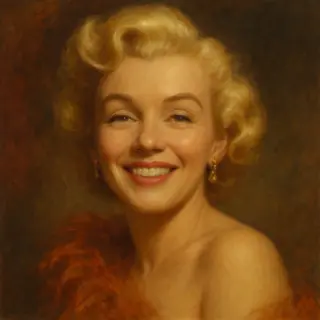
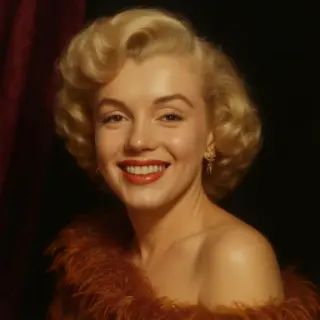
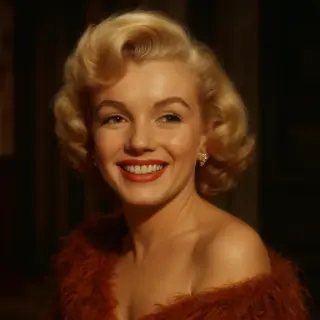
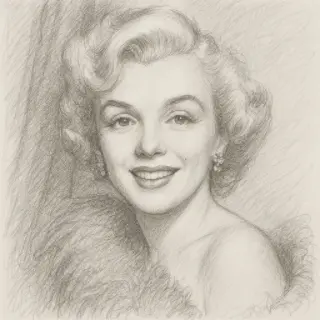
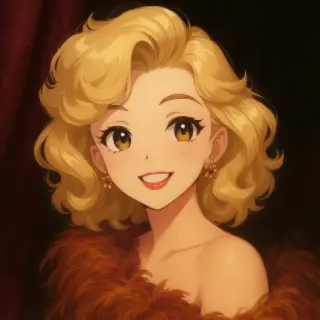
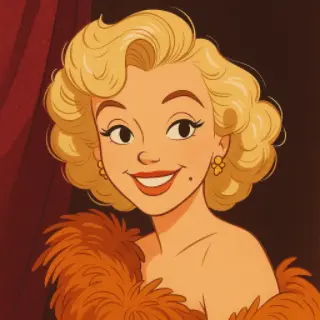
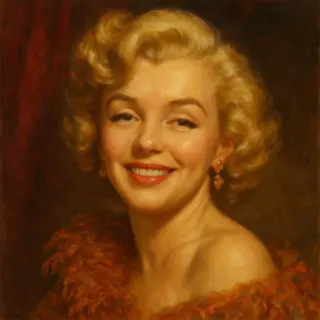
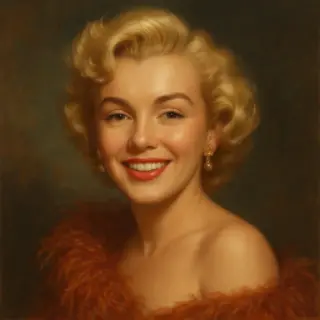
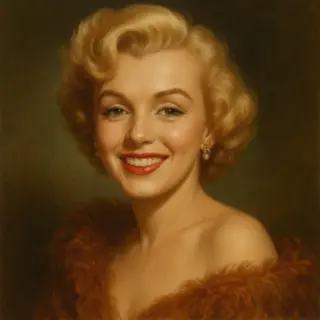
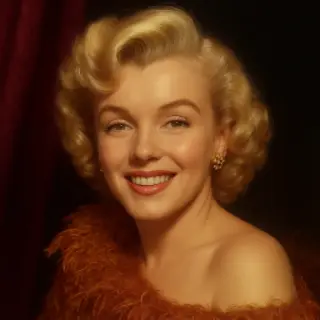
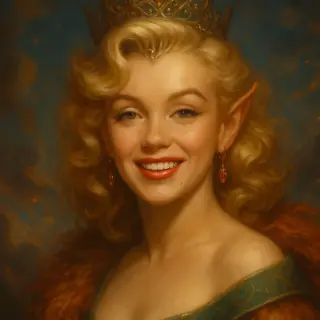
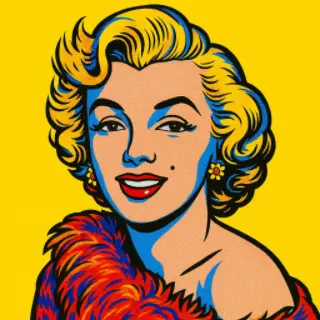
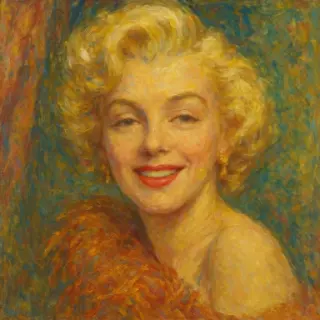
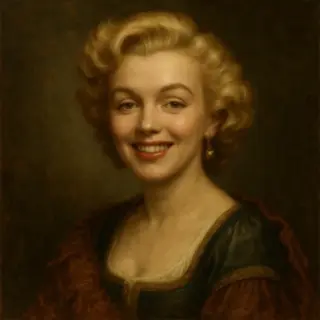
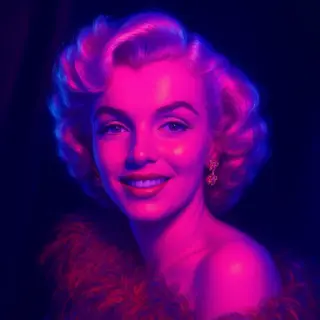
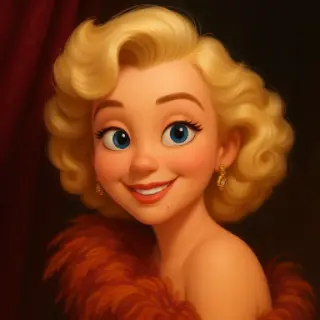
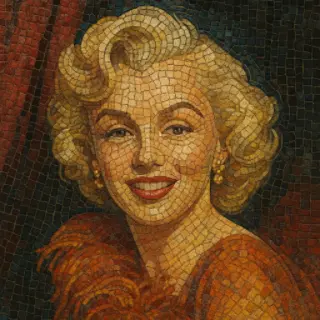
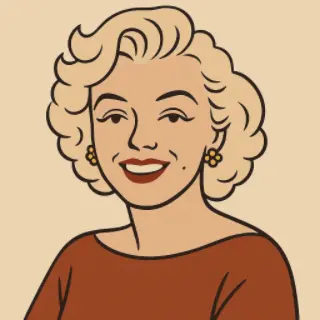
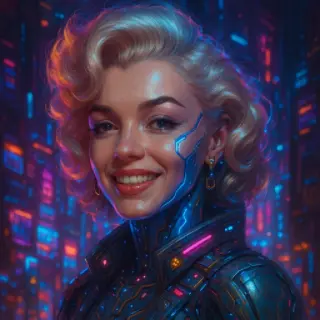
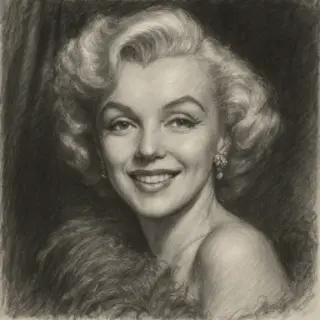
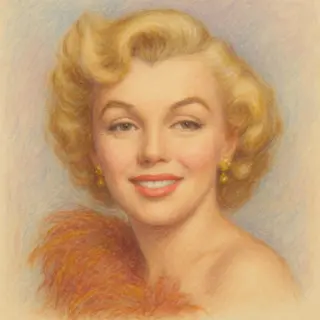
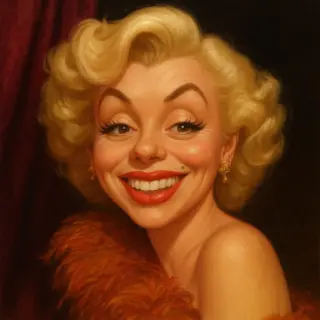
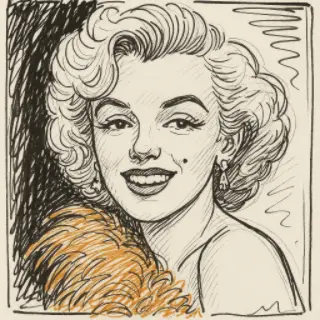
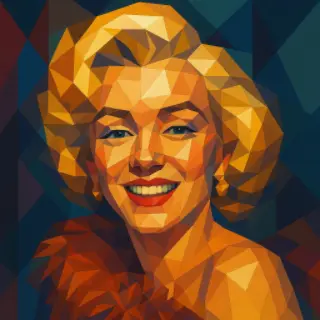
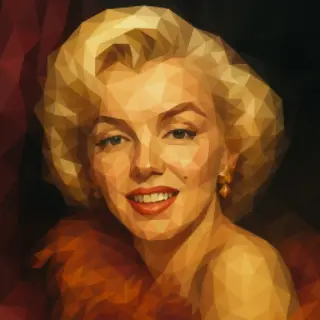
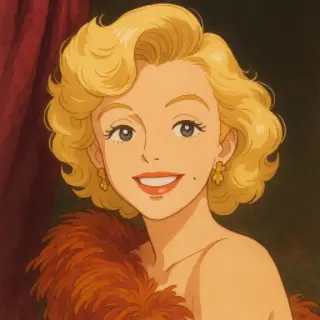
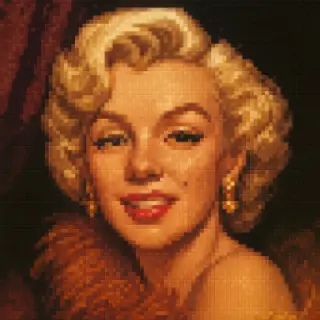
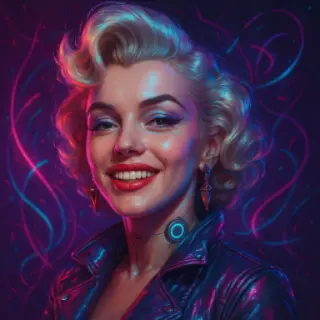
Mga halimbawa ng ginawang imahe
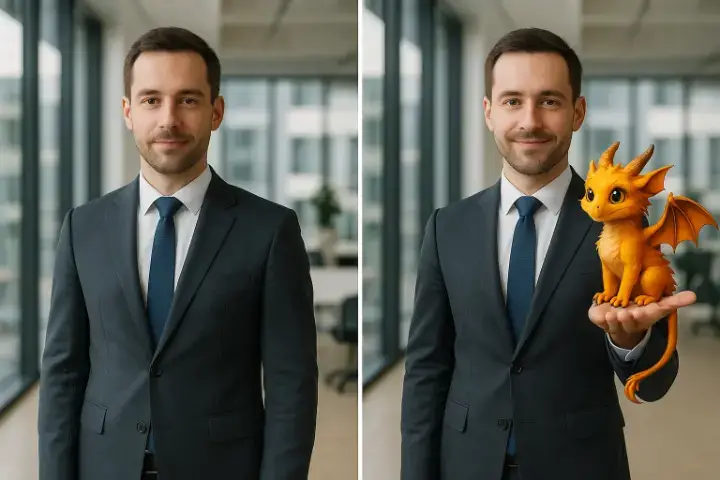
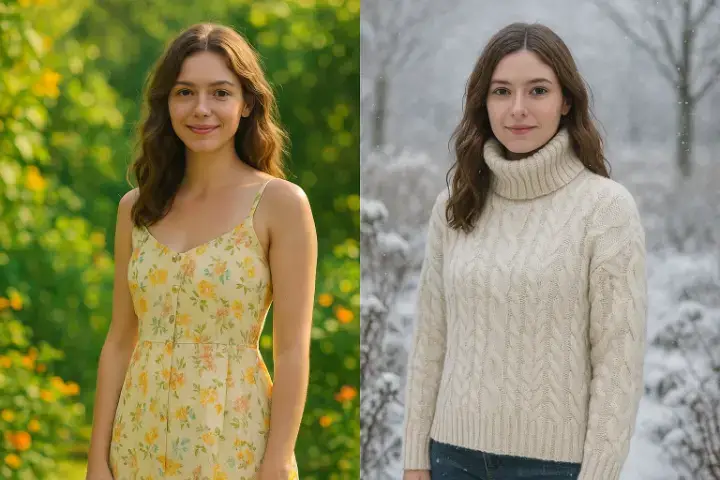
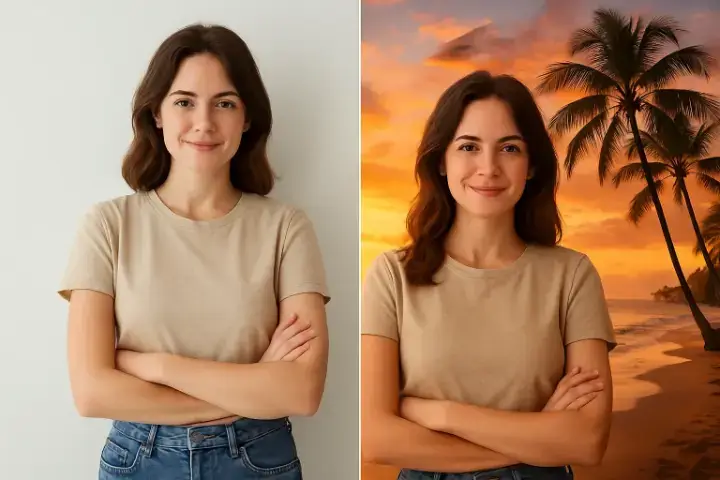
I-edit ang Photos by Describing Changes — Mag-remove, Mag-add, at Mag-transform ng Objects gamit ang AI
AI photo editor online — i-edit ang photos by describing changes. Mag-remove ng objects, mag-change ng backgrounds, mag-add ng elements, at i-modify ang colors. No Photoshop skills needed, professional results in seconds.
Mga Key Features:
- AI photo editor online — i-edit ang photos gamit ang simpleng text description, no complex tools needed
- Mag-remove ng objects, mag-change ng background, i-modify ang colors, at mag-add ng elements — lahat gamit lang ang text description
- Intelligent content-aware editing na may seamless object removal at background replacement
- No Photoshop skills required — makakuha ng professional results gamit ang simpleng text descriptions
- Mga creative tools: lighting adjustment, seasonal changes, artistic transformations, at style modifications
- High-precision editing na may realistic results — naiintindihan ng AI ang context para ma-maintain ang natural look
Mga Madalas Itanong
Paano gumagana ang AI image generator?
I-describe lang sa text ang gusto mong makita, pumili ng style, at ang aming AI ay gagawa ng unique na image in seconds. Pwede kang mag-create ng realistic photos, illustrations, digital art, at marami pang iba.
Libre ba ang AI image generator?
May free energy points ka para ma-try ang lahat ng generators. Mas konting points ang kailangan para sa standard quality generation, habang mas mataas naman sa high quality pero mas maganda ang results.
Pwede ko bang gamitin commercially ang mga generated images?
Oo, lahat ng images na i-generate mo ay sa'yo at pwede mong gamitin for any purpose — personal projects, social media, presentations, o commercial use.
Anong mga image styles ang available?
Nag-o-offer kami ng maraming styles tulad ng realistic photography, digital art, watercolor, anime, oil painting, sketch, 3D render, at iba pa. Ang bawat generator preset ay optimized para sa specific use cases.
Lahat ng AI para sa image generation
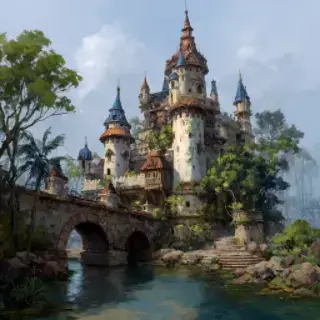
AI Image Generator

AI Photo Generator mula sa Iyong Photo
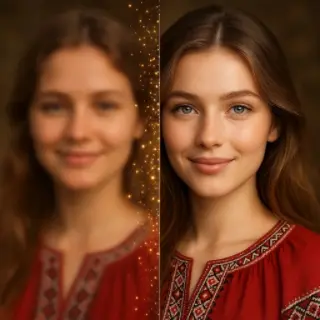
AI Image Upscaler — Pataasin ang Resolution up to 4x
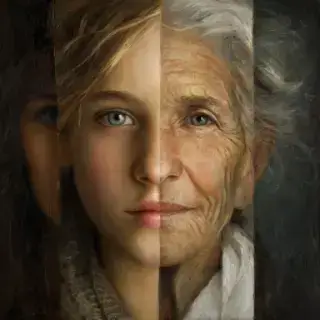
Age Face Online with AI
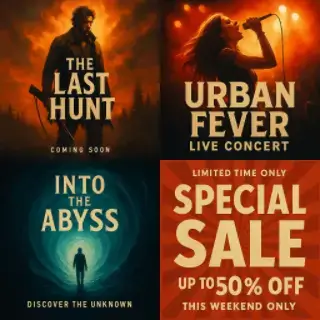
Gumawa ng Posters Online gamit ang AI
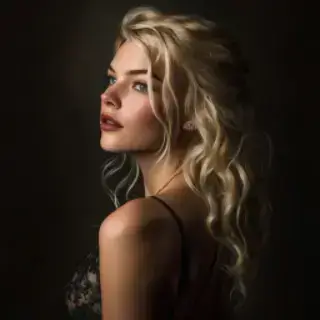
AI Photoshoot Online mula sa Iyong Litrato
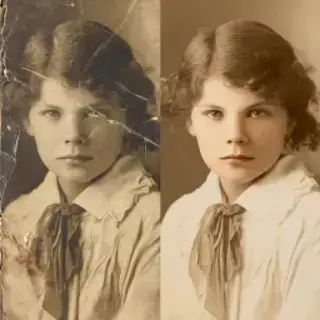
I-restore ang Lumang Photos Online gamit ang AI
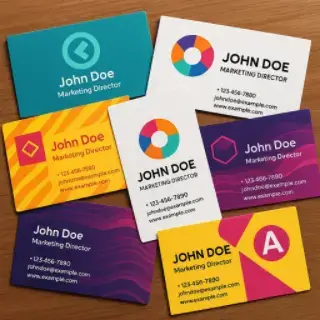
Gumawa ng Business Cards Online gamit ang AI
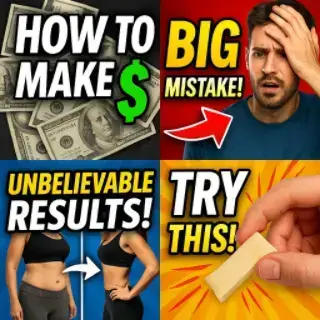
Gumawa ng Video Preview Online gamit ang AI
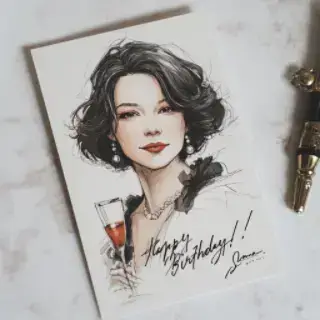
Greeting Card Generator na may AI
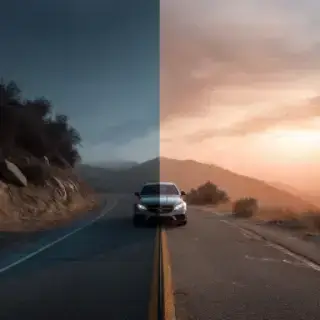
Pagandahin ang Quality ng Photo Online gamit ang AI
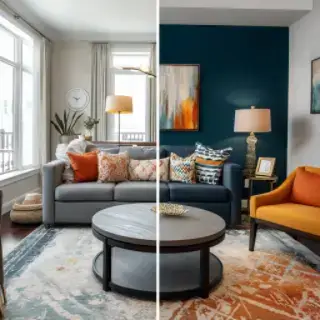
Interior Design Online gamit ang AI